Manual or Microprocessor Controls
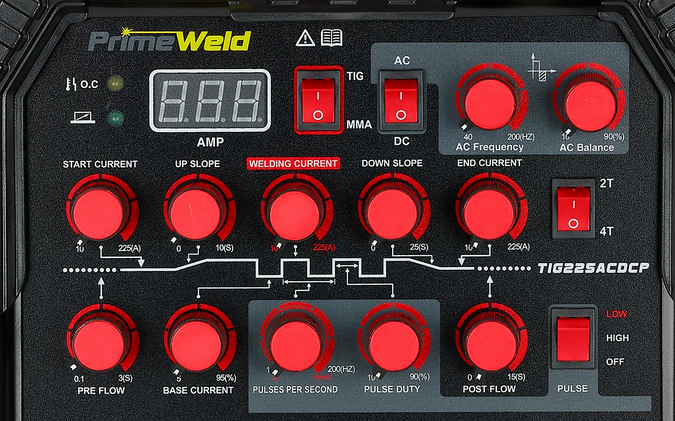
The PrimeWeld TIG225X has knobs to control the main features, such as amperage, wave forms, pulse length, and frequency. The front panel shows a graphic layout that presents all the information at once, making it intuitive and direct. This may be reassuring to those encountering the machine for the first time.
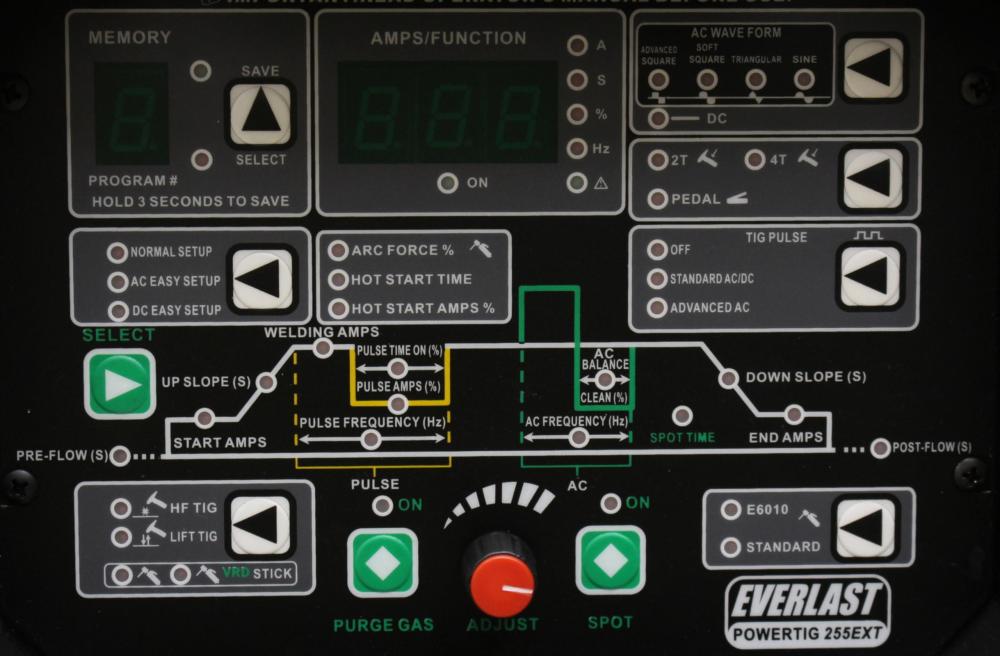
Microprocessor controlled welders may have just one knob, and plenty of push buttons and lights to indicate active parameters, as well as digital readouts for values associated with those parameters. They may appear more intimidating initially, but may offer more options than is possible with knobs only. Front panel graphics and labels can clarify these functions and may still be intuitive once the user looks closely.
One example of this kind of display is the Everlast PowerTig 255EXT.
These machines can also have a large graphic display screen for menus and values. These appear opaque to the user when the screen is blank or set to the top menu level, and will probably require more study of the manual and practice with the menus to become proficient with the interface. The display screen might provide even more options than the hybrid push button and knob interface.